Build the ERP changes you need, in plain English.
Ask a question, request a report, a workflow, or a new field. Easytouch AI Lab builds it directly in your ERP, without a developer, a ticket, or a wait.
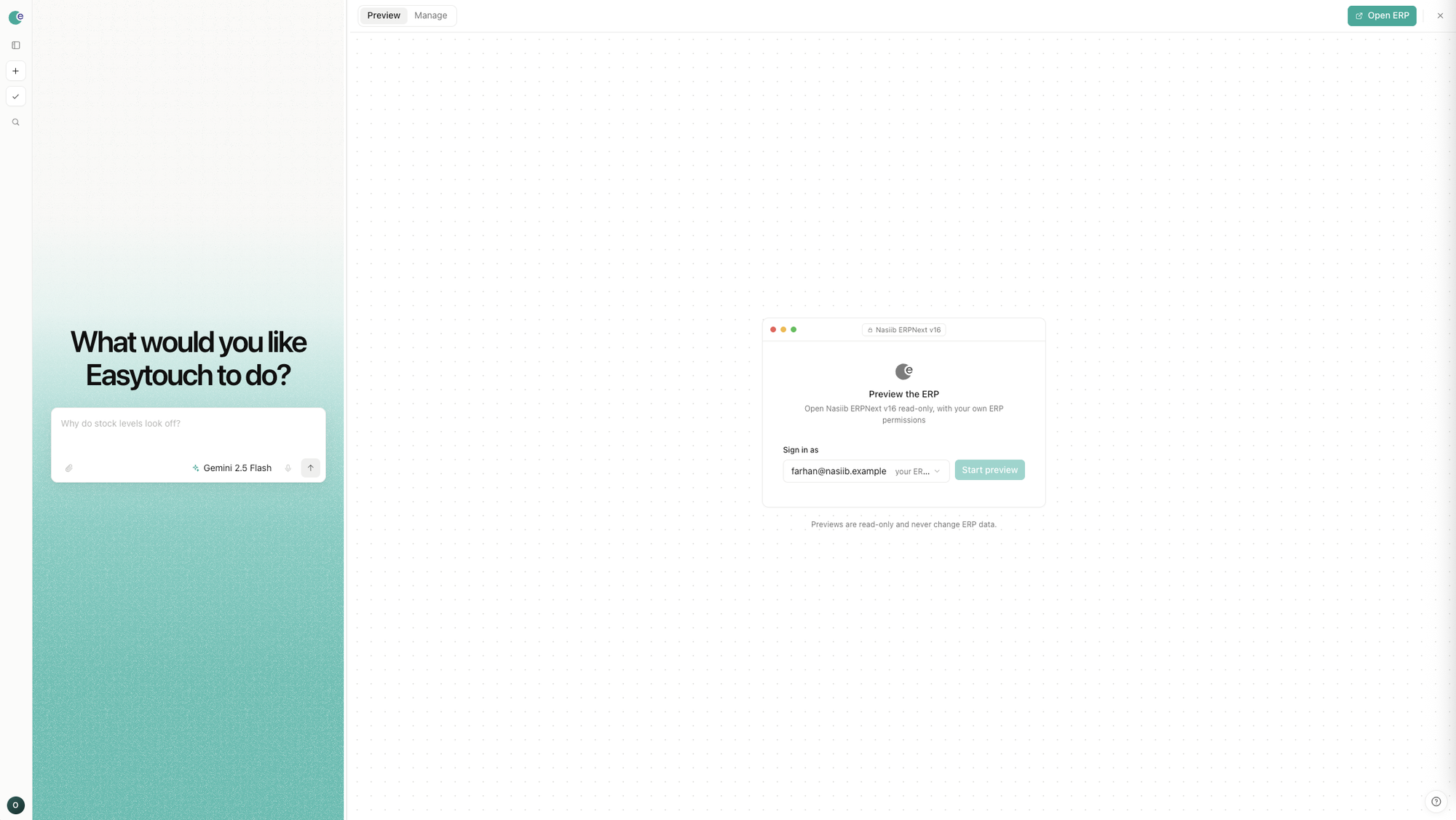
Every small change used to need a developer.
A new field, a report, a workflow: these requests usually pass through a ticket, a support queue, and more than one person before anything gets built. Some of what the business owner meant tends to get lost along the way.
Plain English replaces the ticket
Describe the field, report or workflow you need directly, instead of writing it up as a technical request for someone else to interpret.
What you ask for is what gets built
The result matches what you described, not a guess at what someone else thought you meant.
Any part of the ERP can change
Fields, reports, workflows, dashboards, business processes: all open to customization, not just the report screen.
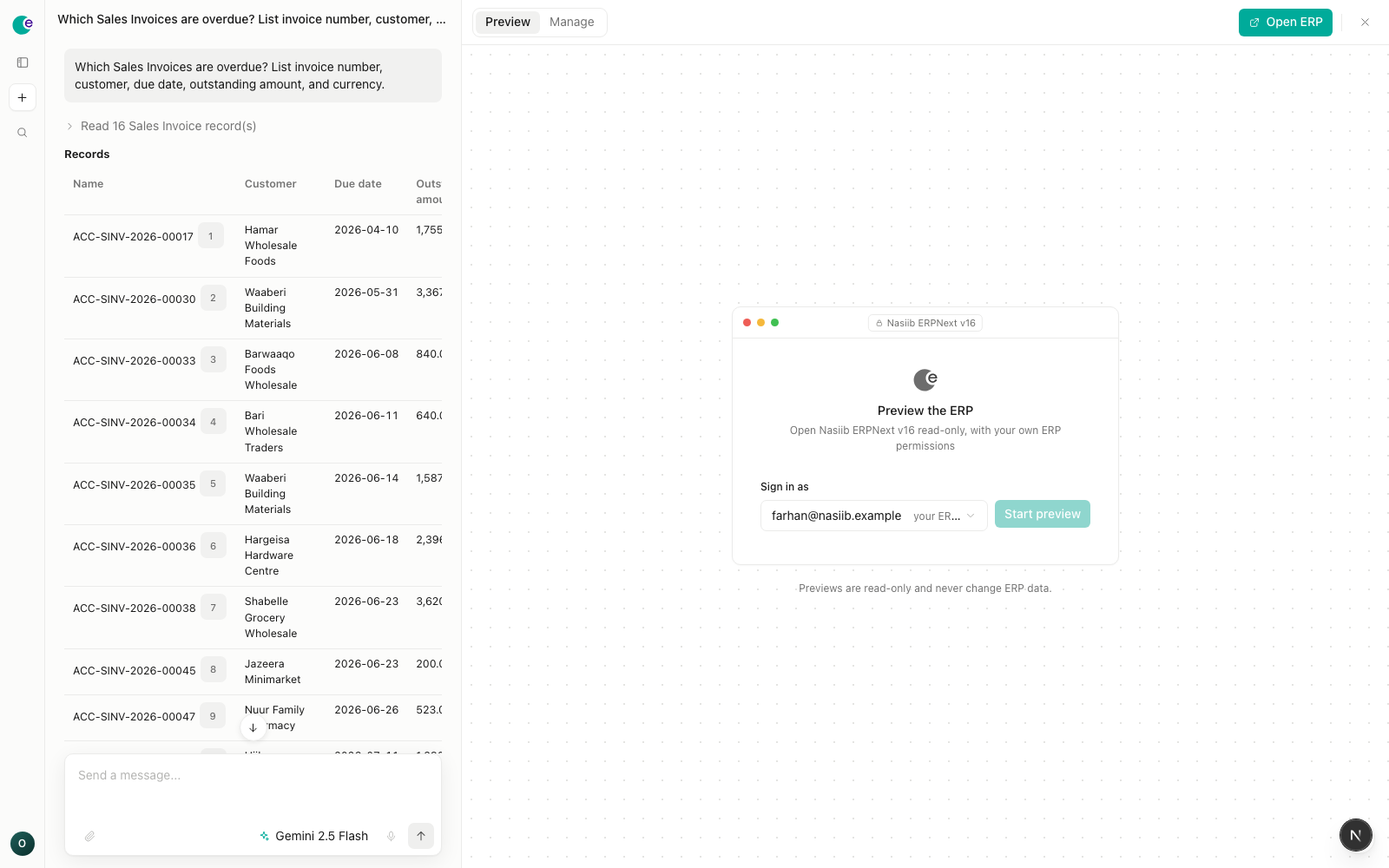
One example: a question about overdue invoices, answered with the underlying records.
One request, one result.
Describe what you need
State the question, report, workflow or field in plain language, the way you'd explain it to a colleague.
It builds the change
Drawn from the data and structure already in your ERP. Nothing is invented or assumed.
You review and approve
The change doesn't take effect until someone approves it, and every step can be traced back to that approval.
Ask questions, get work done, and build your ERP.
All three start the same way: a plain-language request.
Answer business questions
Ask about the data directly and get an answer with a source, rather than an estimate.
Prepare reports & dashboards
Describe what needs to be shown. It's put together from your real records, ready to read.
Build workflows & automations
Describe how a process should run. It gets built and followed automatically from then on.
Customize your ERP
Add a field, a form, or a new process. It's built directly into your system, not just described.
Authority stays with you.
The system proposes a change. A person decides.
Nothing changes without approval
A person reviews and approves every proposed change before it reaches the system.
Answers and changes cite their source
Each one points back to the record, field or process it came from.
Access follows existing permissions
The system works within a person's existing access. It doesn't grant anyone more than their role already allows.
Get early access
A small group of teams is joining as design partners. Leave an email address and expect a message to set up a walkthrough.
Something went wrong sending that. Try again in a moment.
There's no pricing yet. Just a conversation about your system.